


Everything Windows Explorer does, built the way a Mac app should be
If you came to the Mac from Windows, Finder is where the day gets slower. There is one pane when you want two, cut-and-paste is hidden behind a modifier key, there is no way to look inside a zip without unpacking it first, and there is no Tiles view. Amico File Manager is the file manager those habits expect — written natively for macOS, not ported onto it.
It is a Mac app, though. Quick Look, tags, iCloud and Apple's own file coordination all work the way the rest of the system does, and it is sandboxed for the Mac App Store.
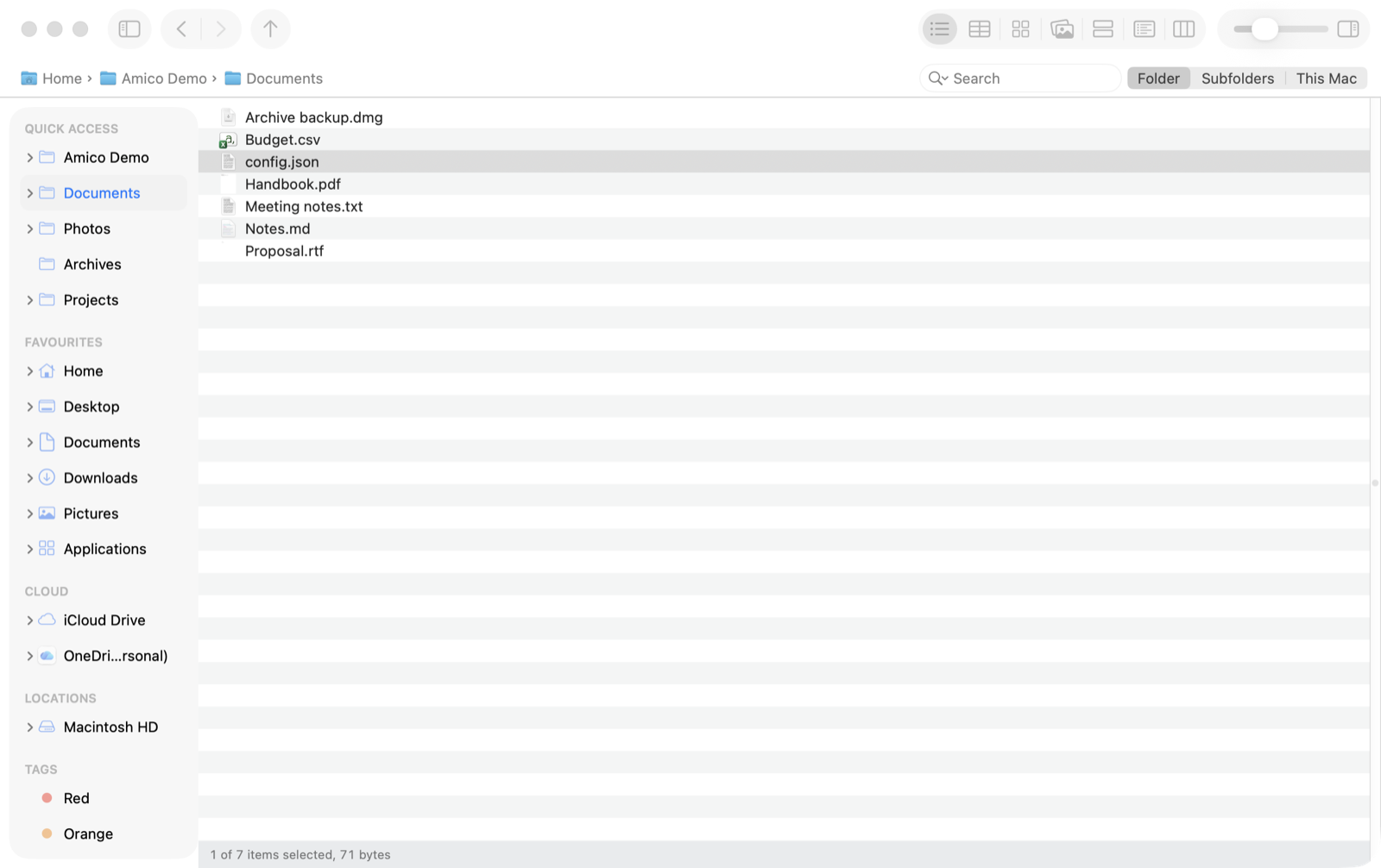
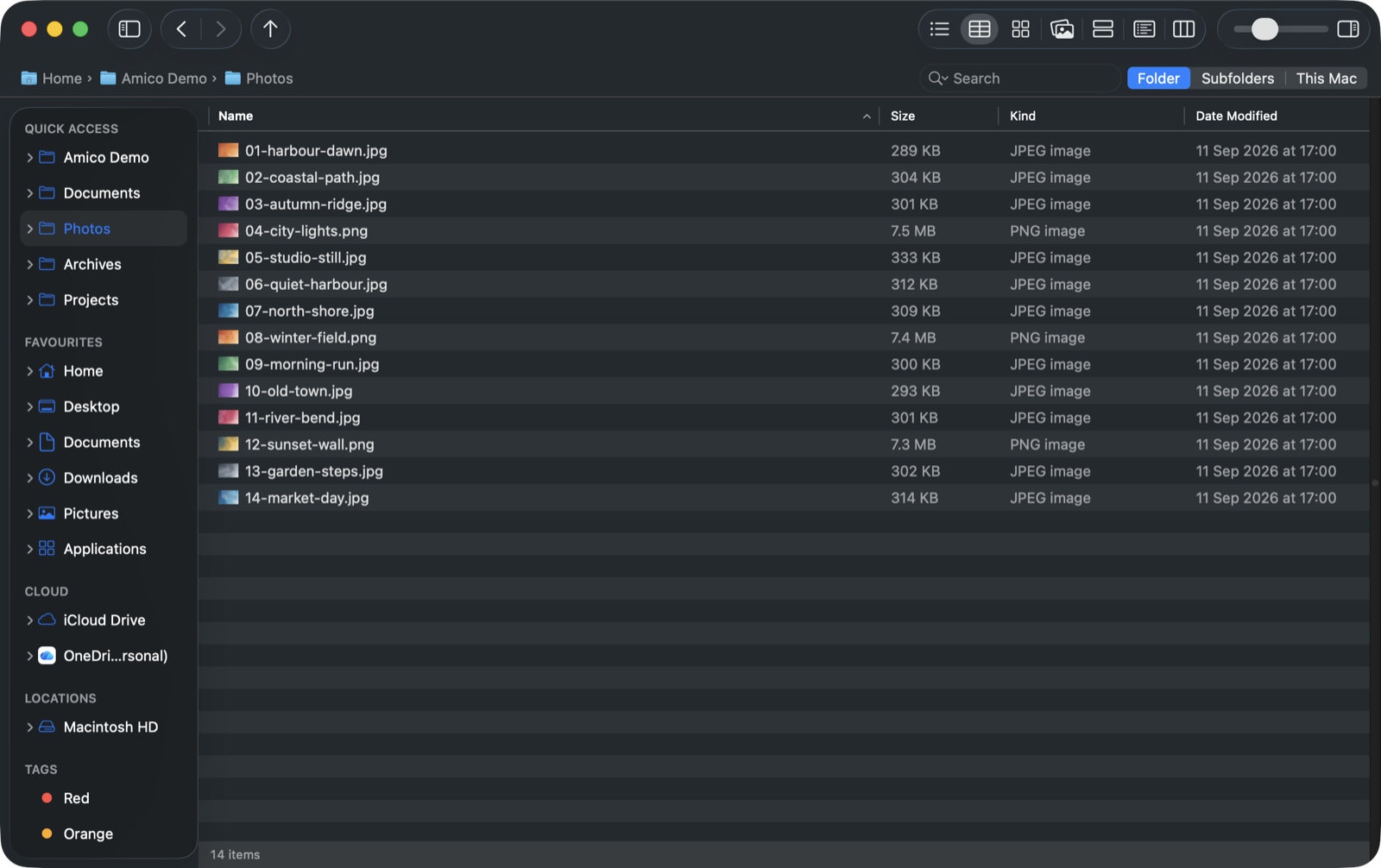
List, Details, Icons, Gallery, Tiles, Content and Columns, on ⌘1 to ⌘7. The view you choose stays as you move from folder to folder, and each folder keeps its own sort order, set from View › Sort by in any view. Details is the one with sortable columns; Columns walks a deep tree without losing your place. Between them they cover what Finder has and what Explorer has, which is not the same list.
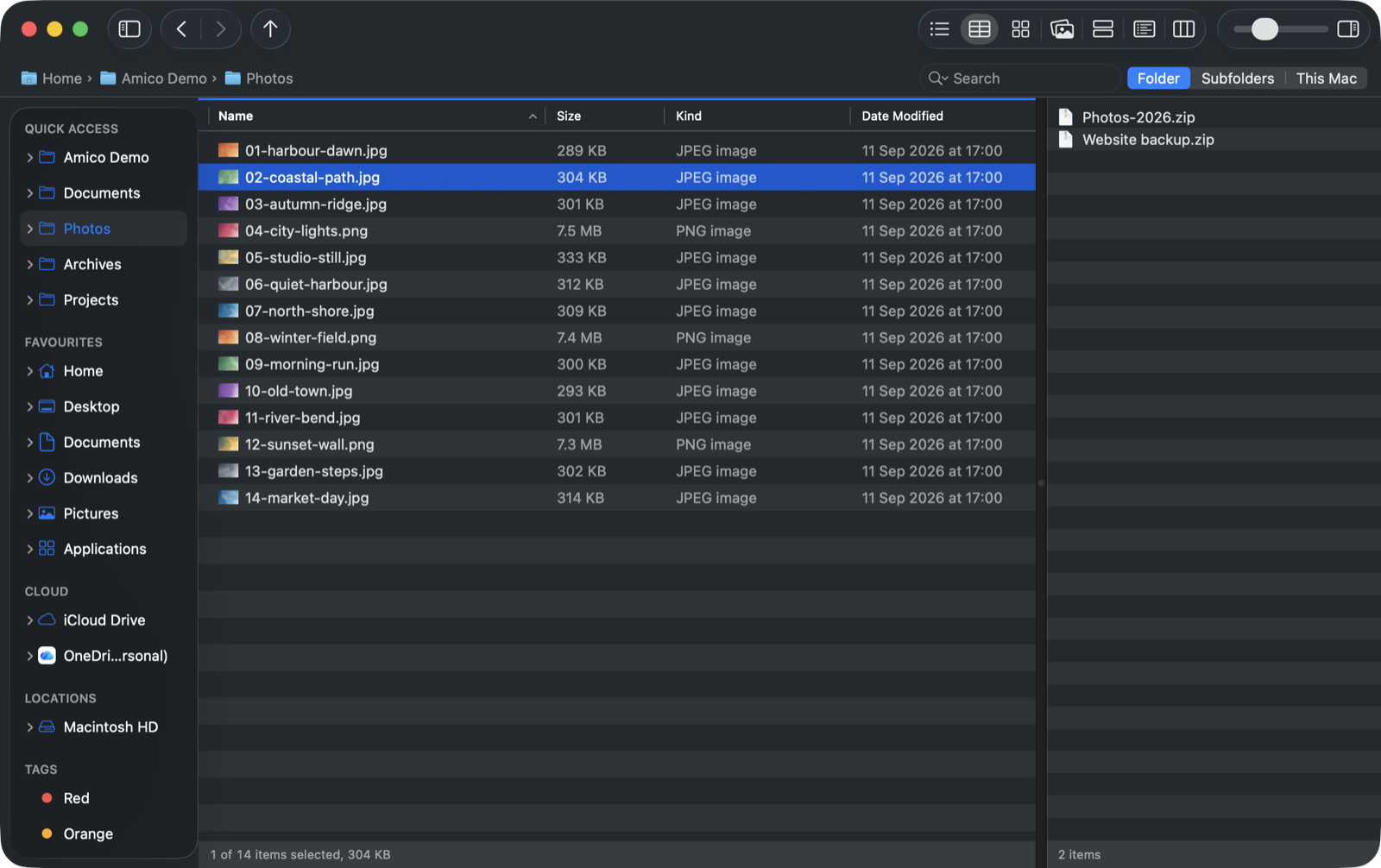
Open a second pane and both folders are on screen at once. F5 copies the selection across and F6 moves it — the keys dual-pane managers have used since Norton Commander. No dragging between windows, no clipboard round trip.
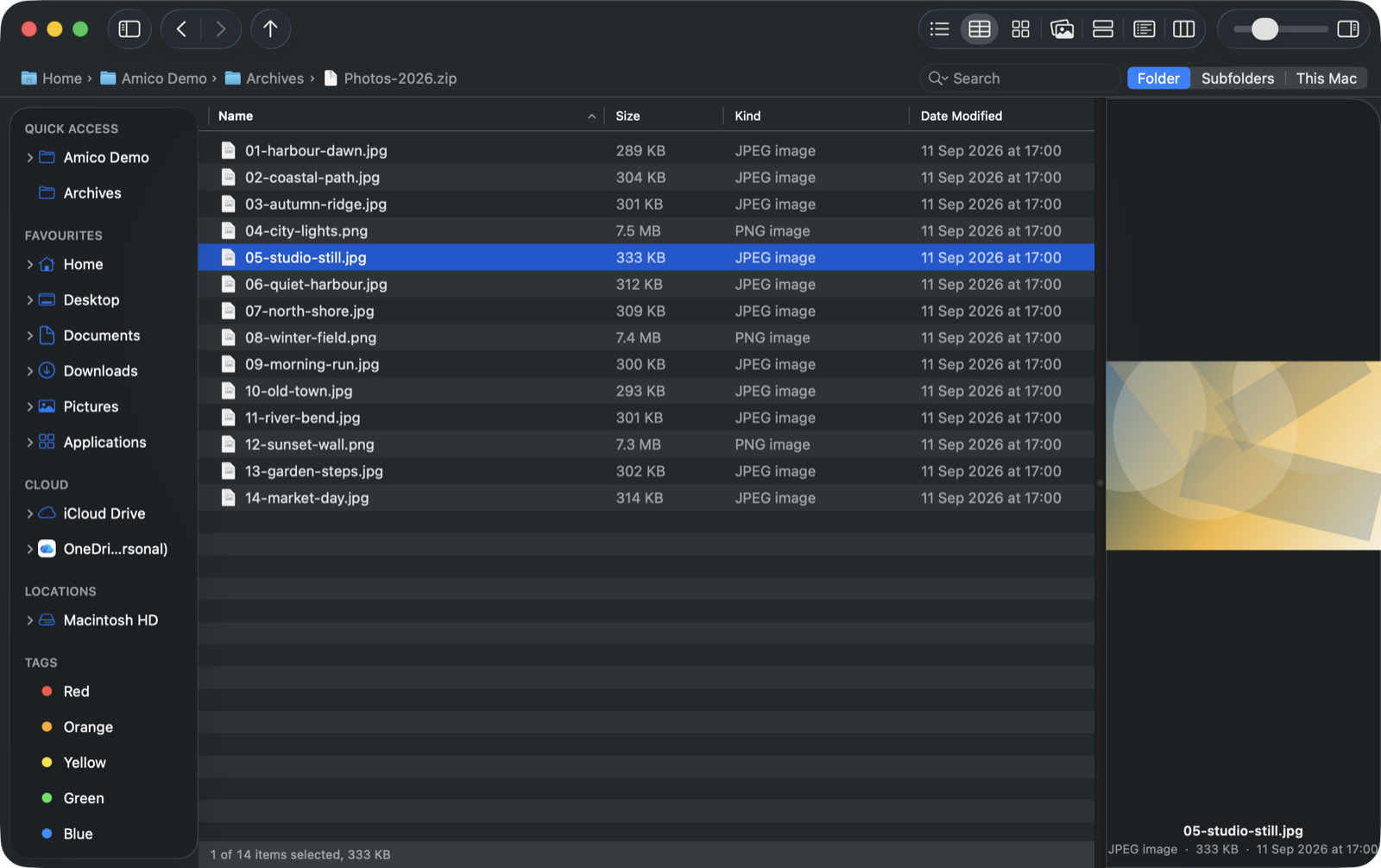
Open a .zip and it behaves like a folder: walk through it, sort it, preview a file inside it. Nothing is written to
disk to do that, and only the file you drag out is ever extracted. This is the one thing switchers ask for most, and the one
Finder does not do at all — double-clicking an archive there expands it whether you wanted that or not.
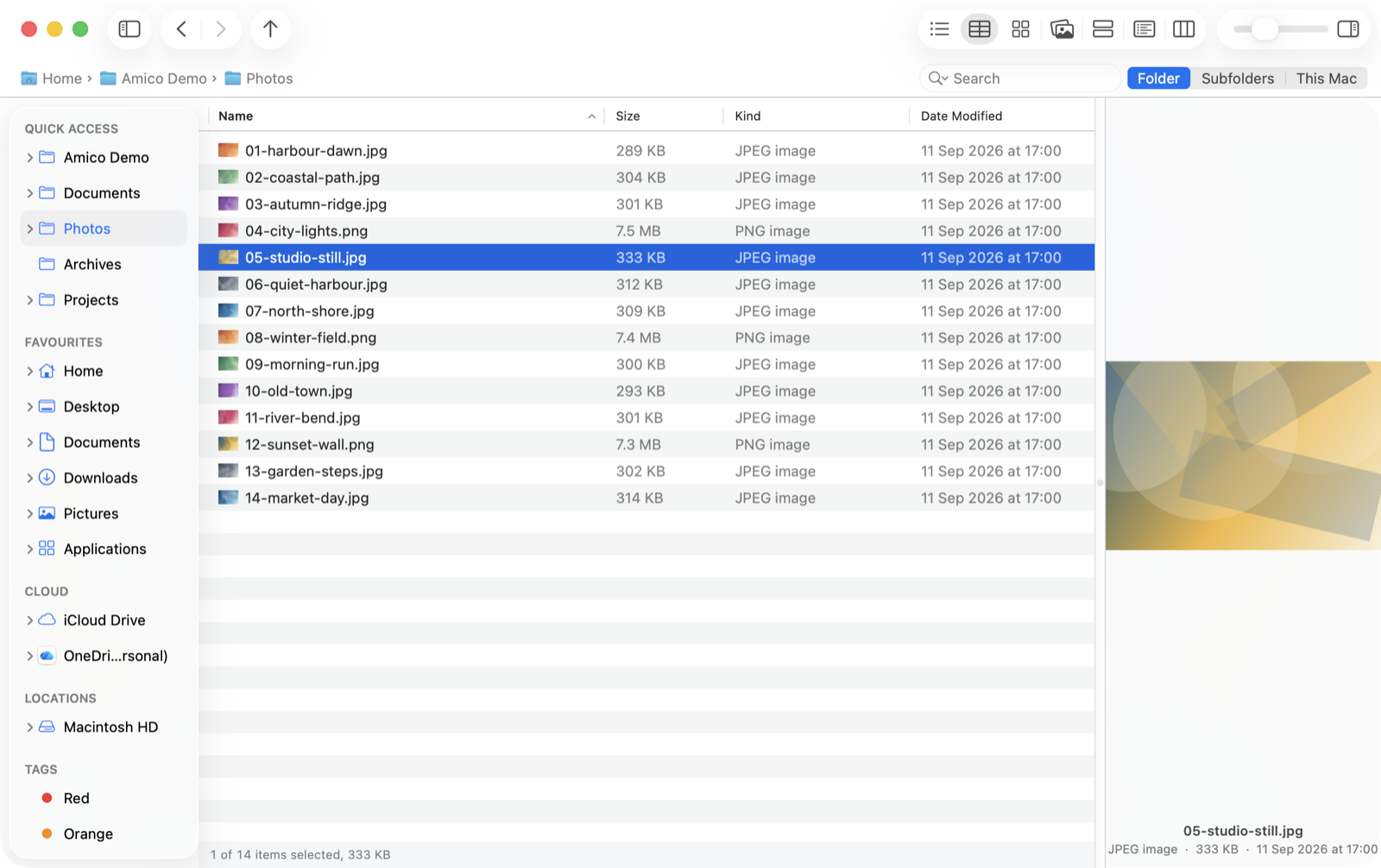
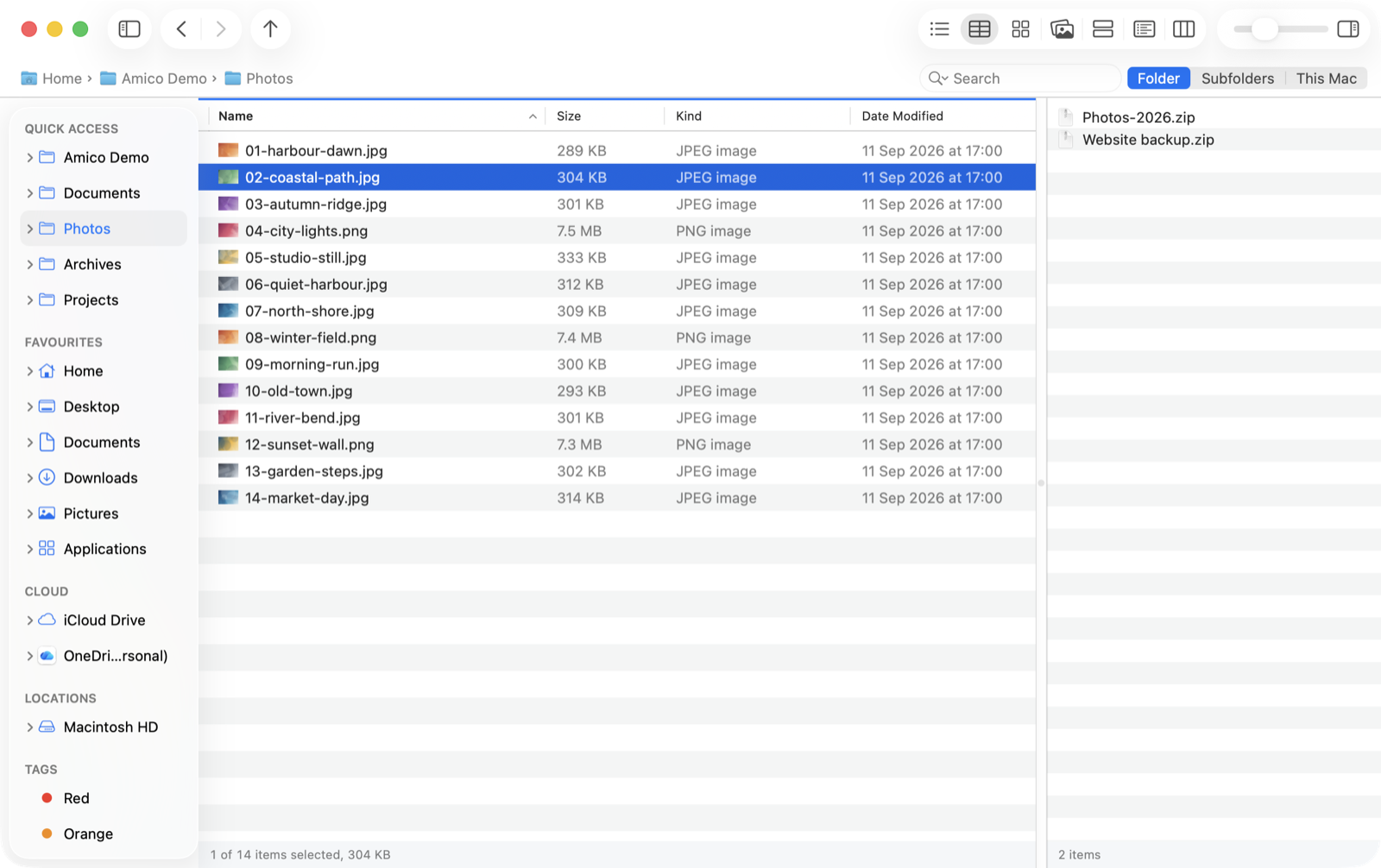
Two folders, one window. F5 copies, F6 moves.
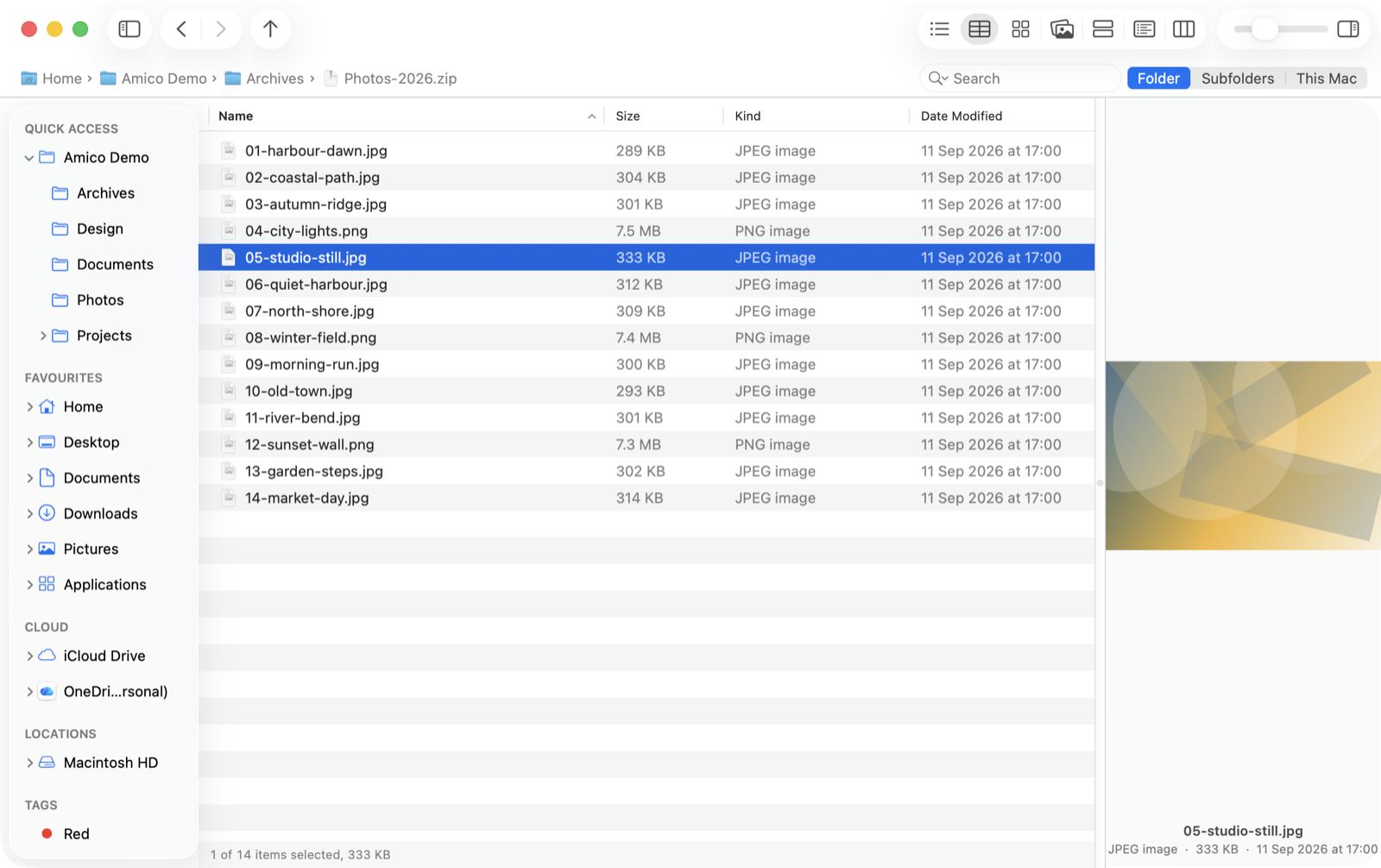
Look inside a zip — and preview what is in it — without unpacking.
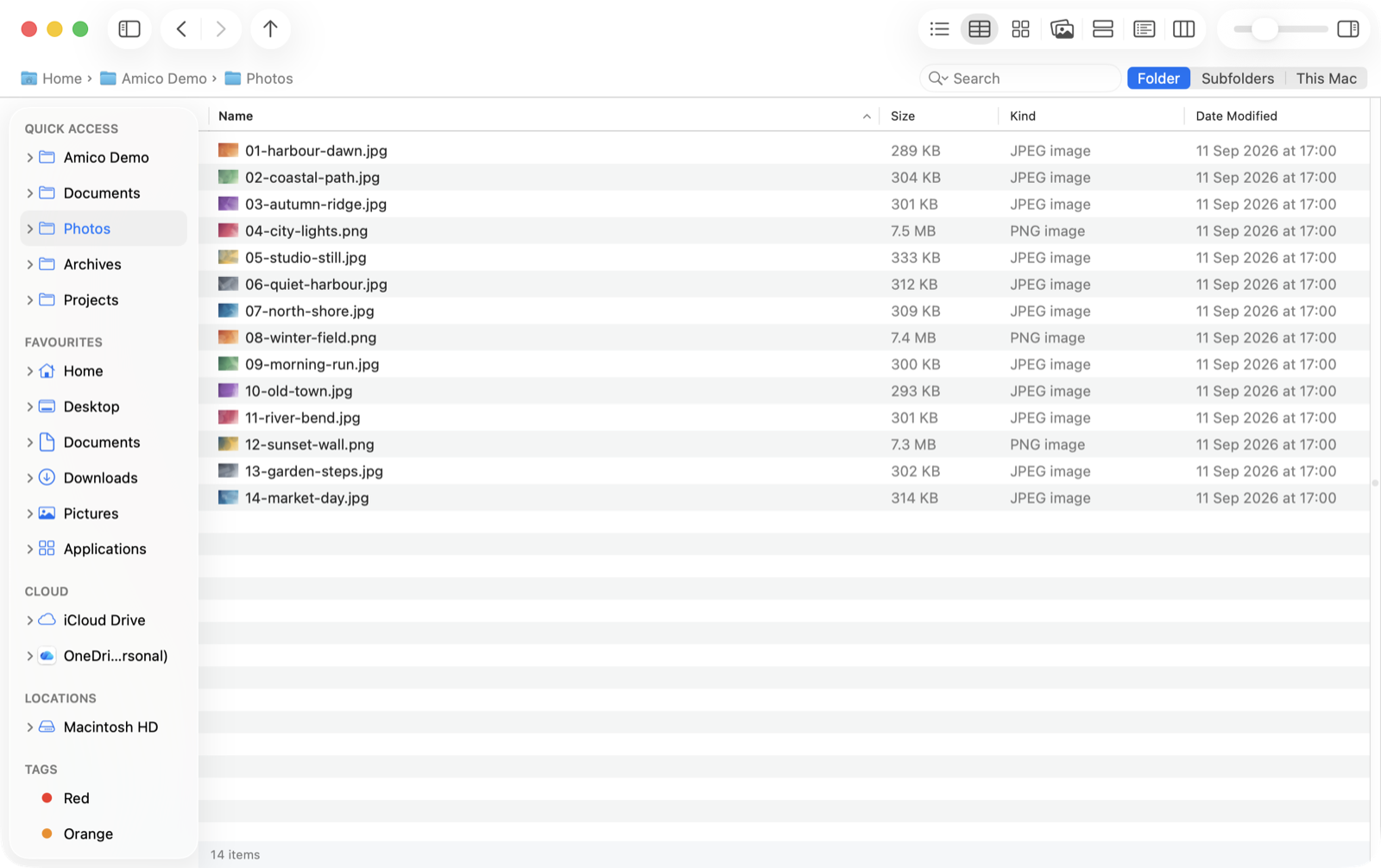
Details, with columns that sort.
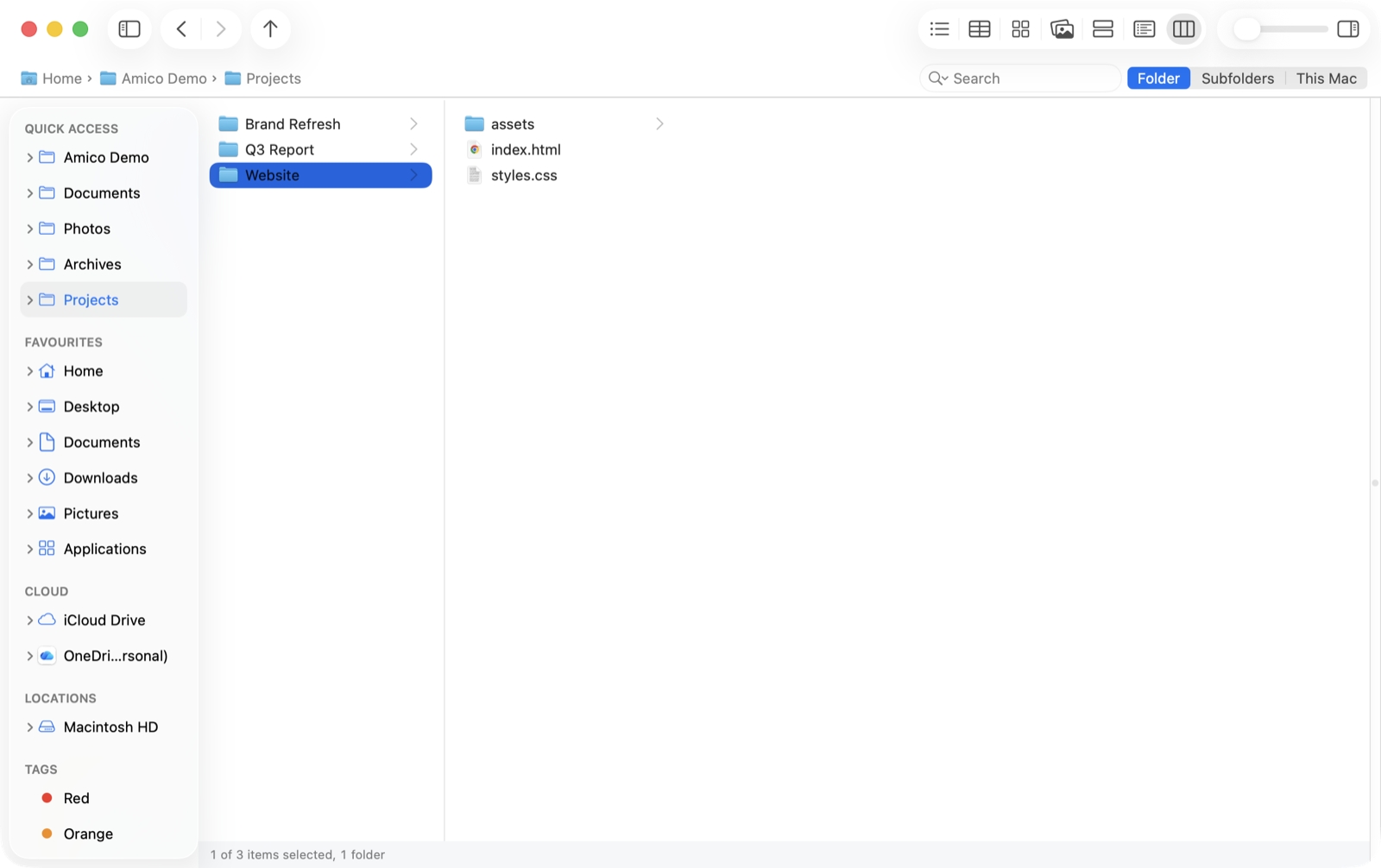
Columns, for walking a deep tree.
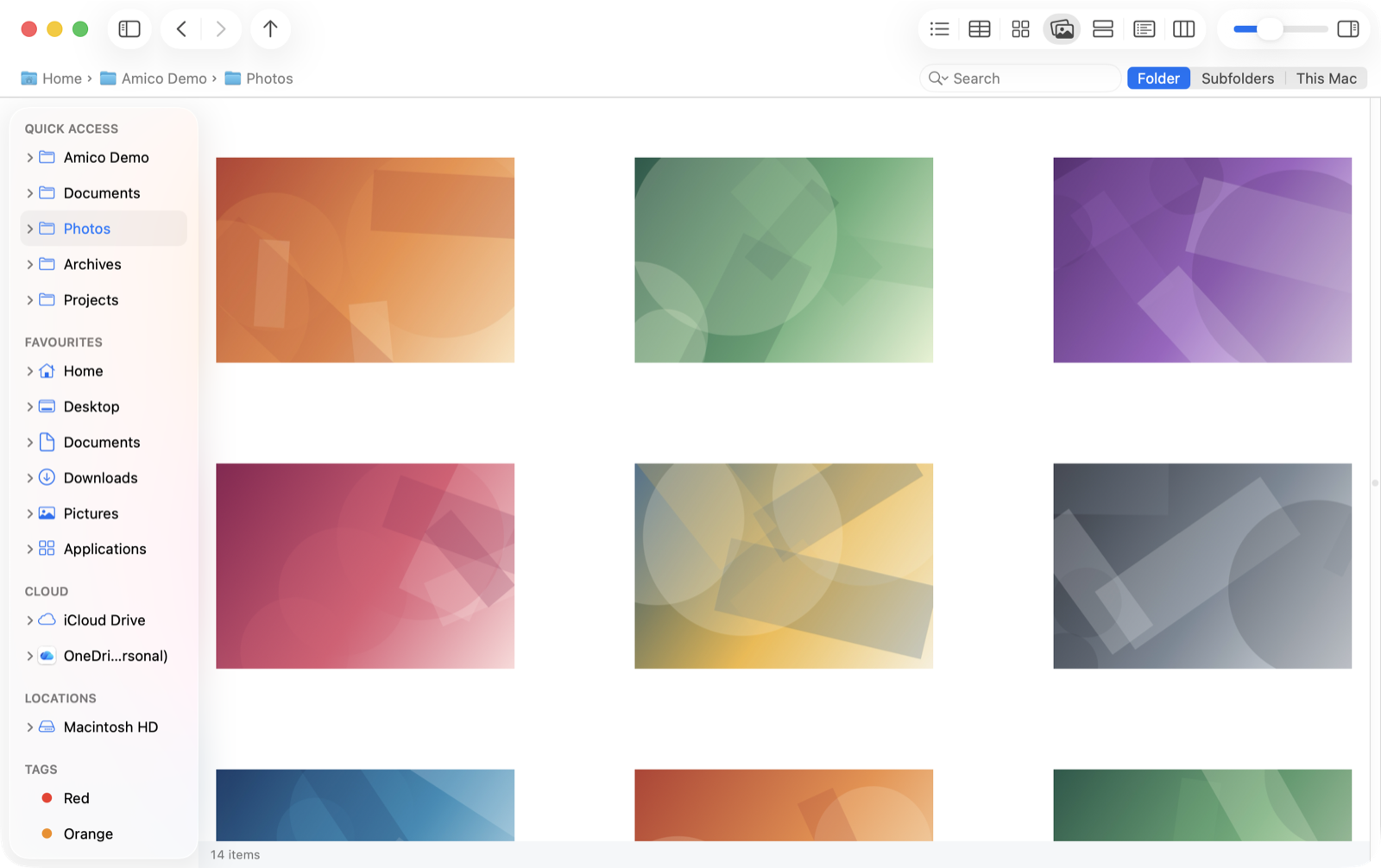
Gallery, when the folder is pictures.
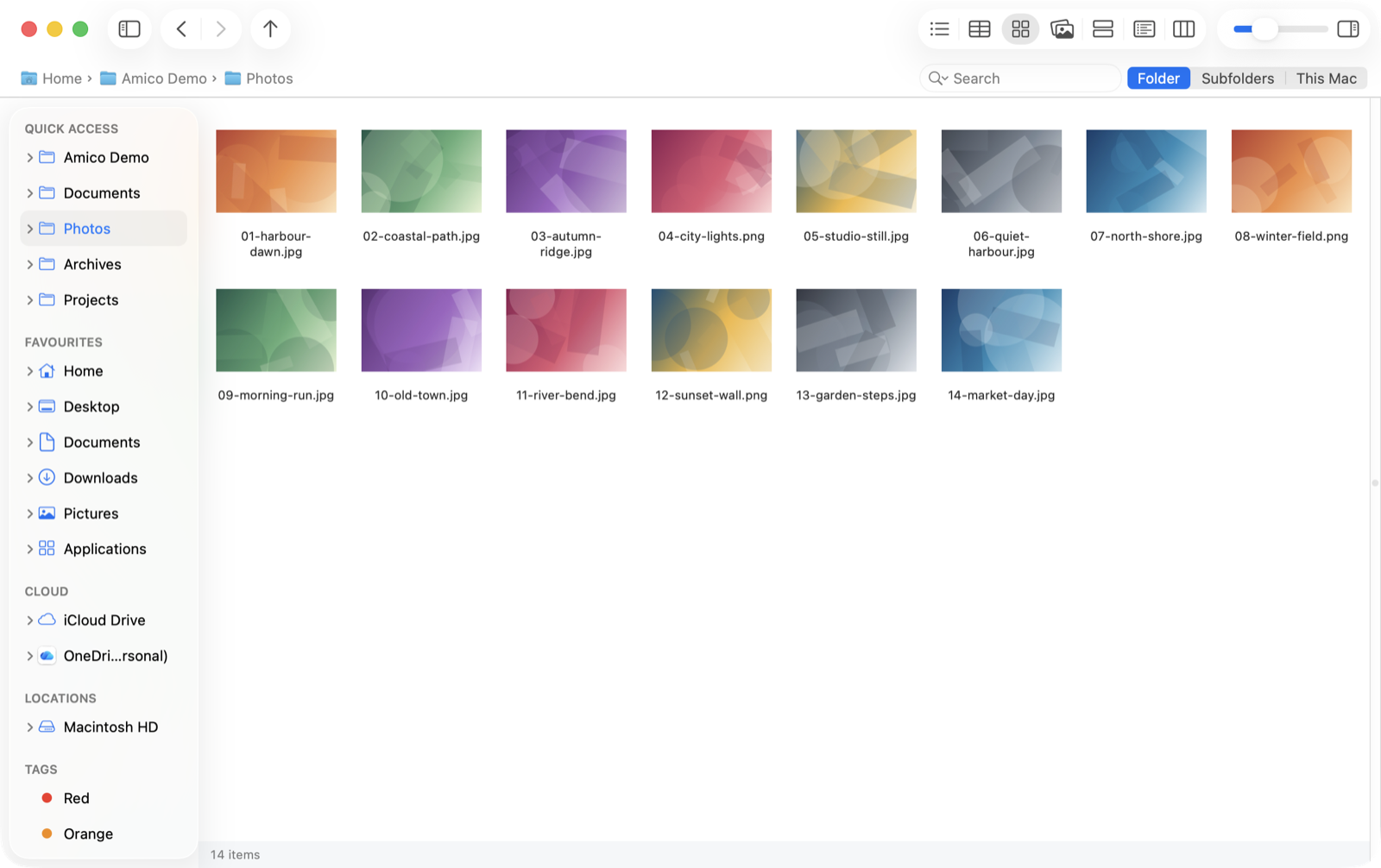
Icons, at whatever size suits.
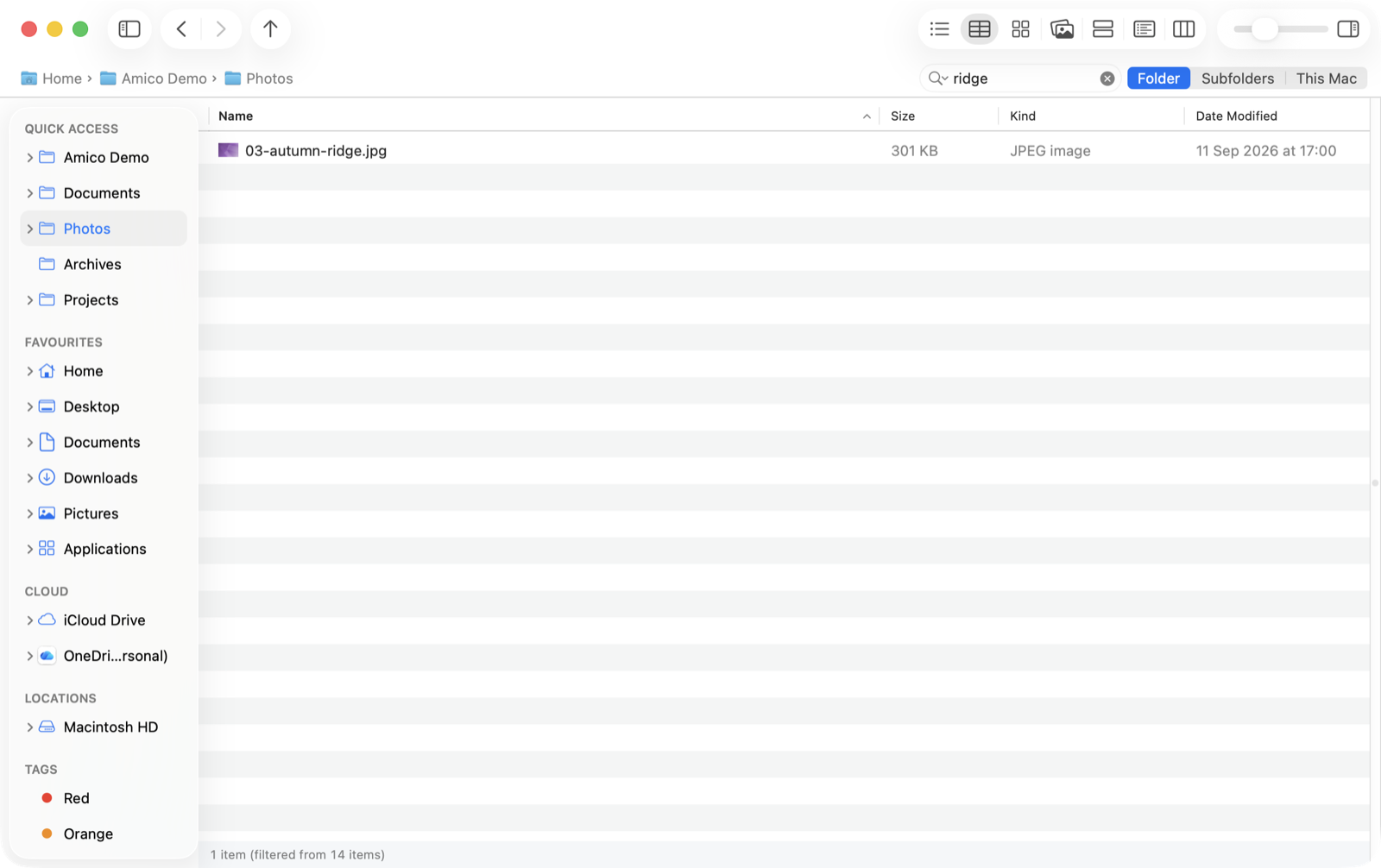
Filter as you type. kind:image, ext:jpg, size:>10mb.
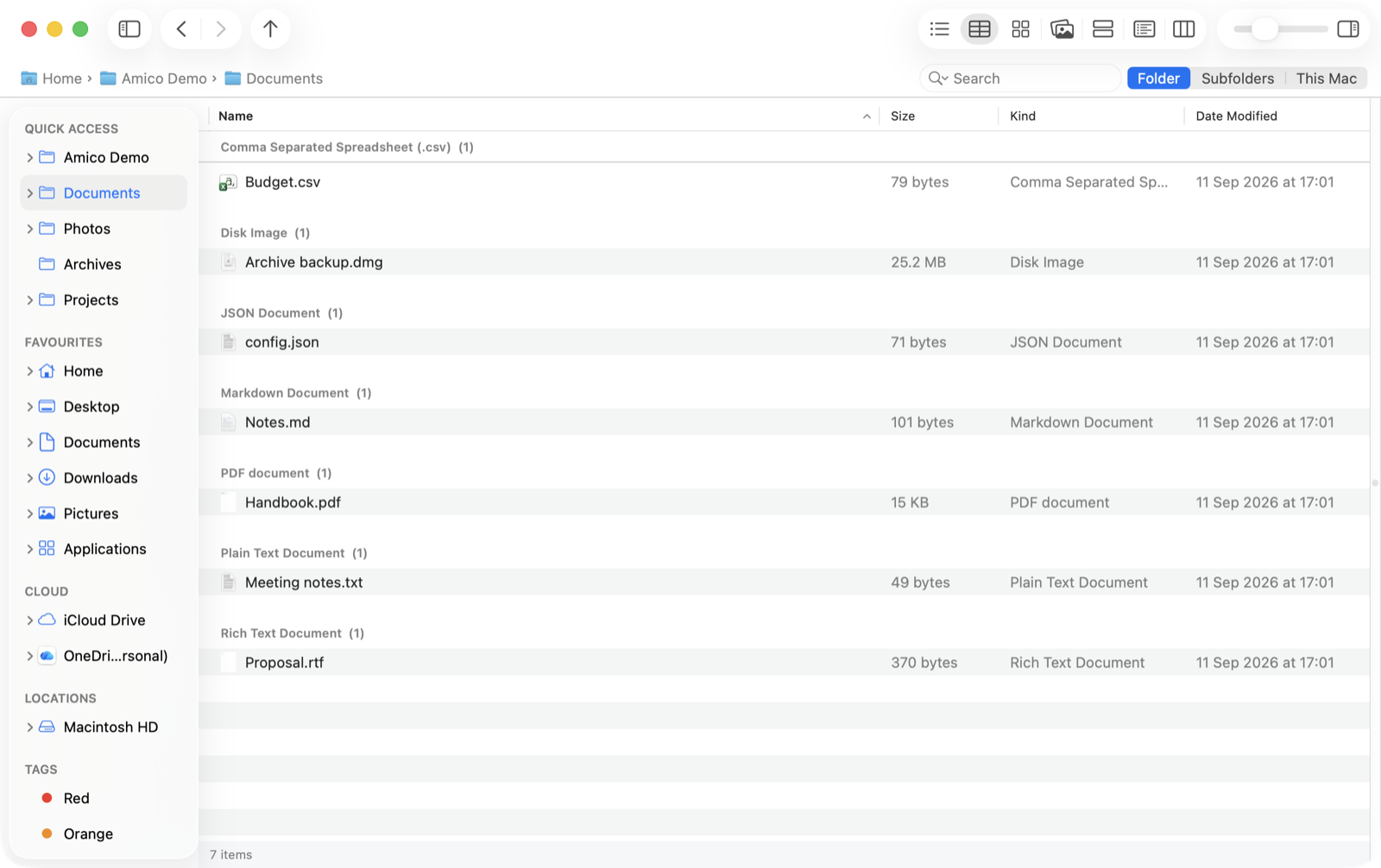
Group by kind, size or date.
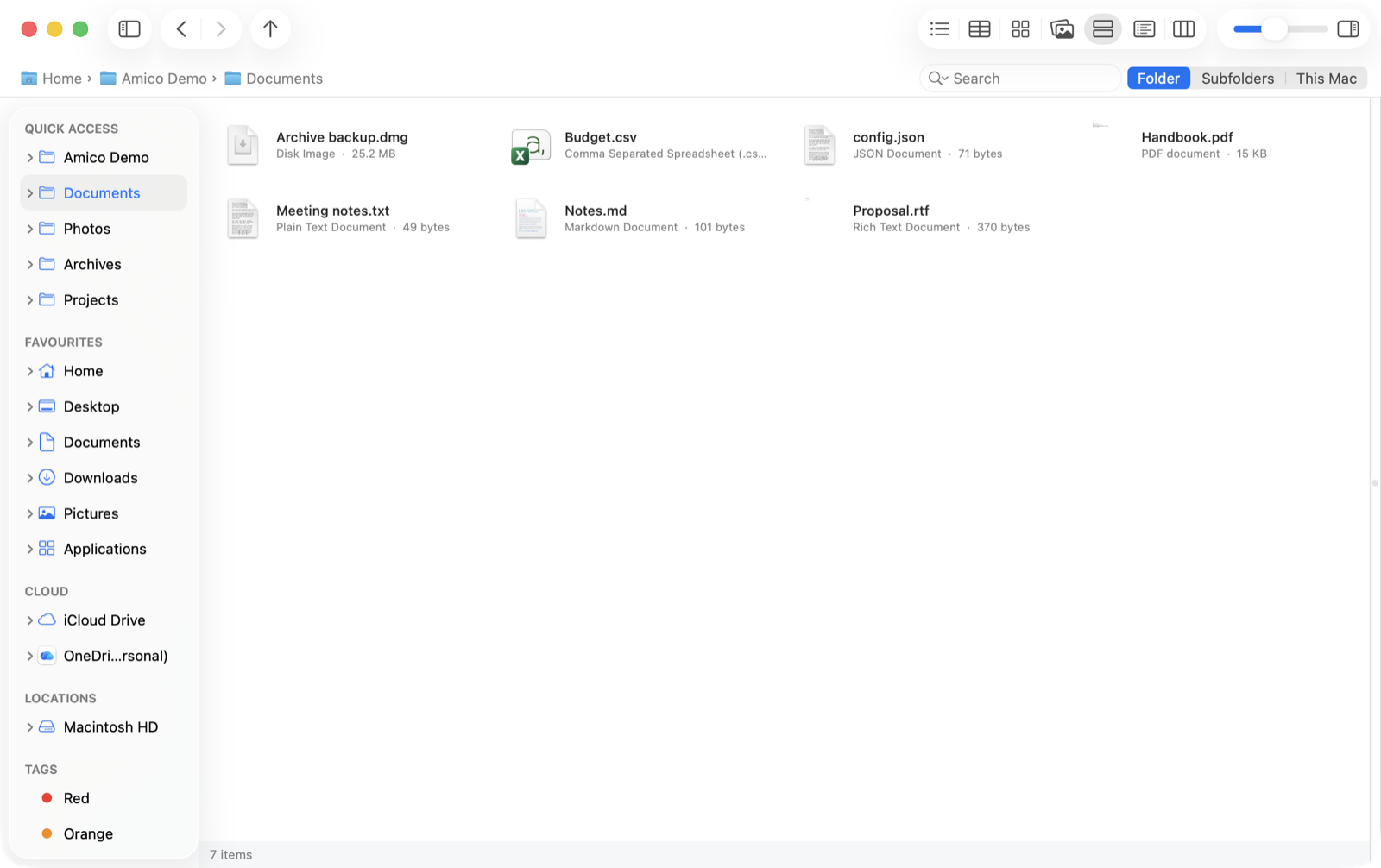
Tiles, the Explorer view Finder never had.
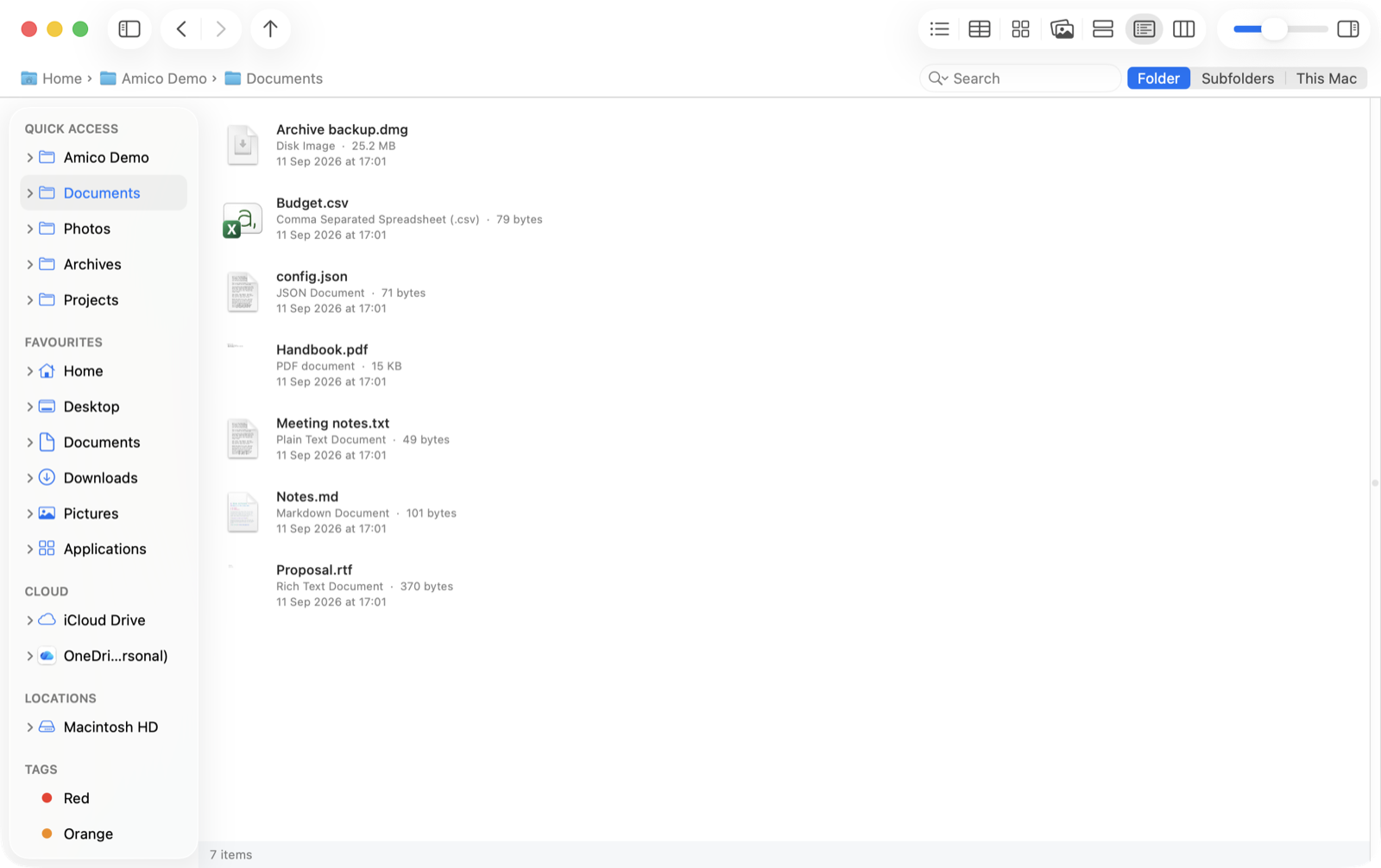
Content, for when the detail matters more than the density.
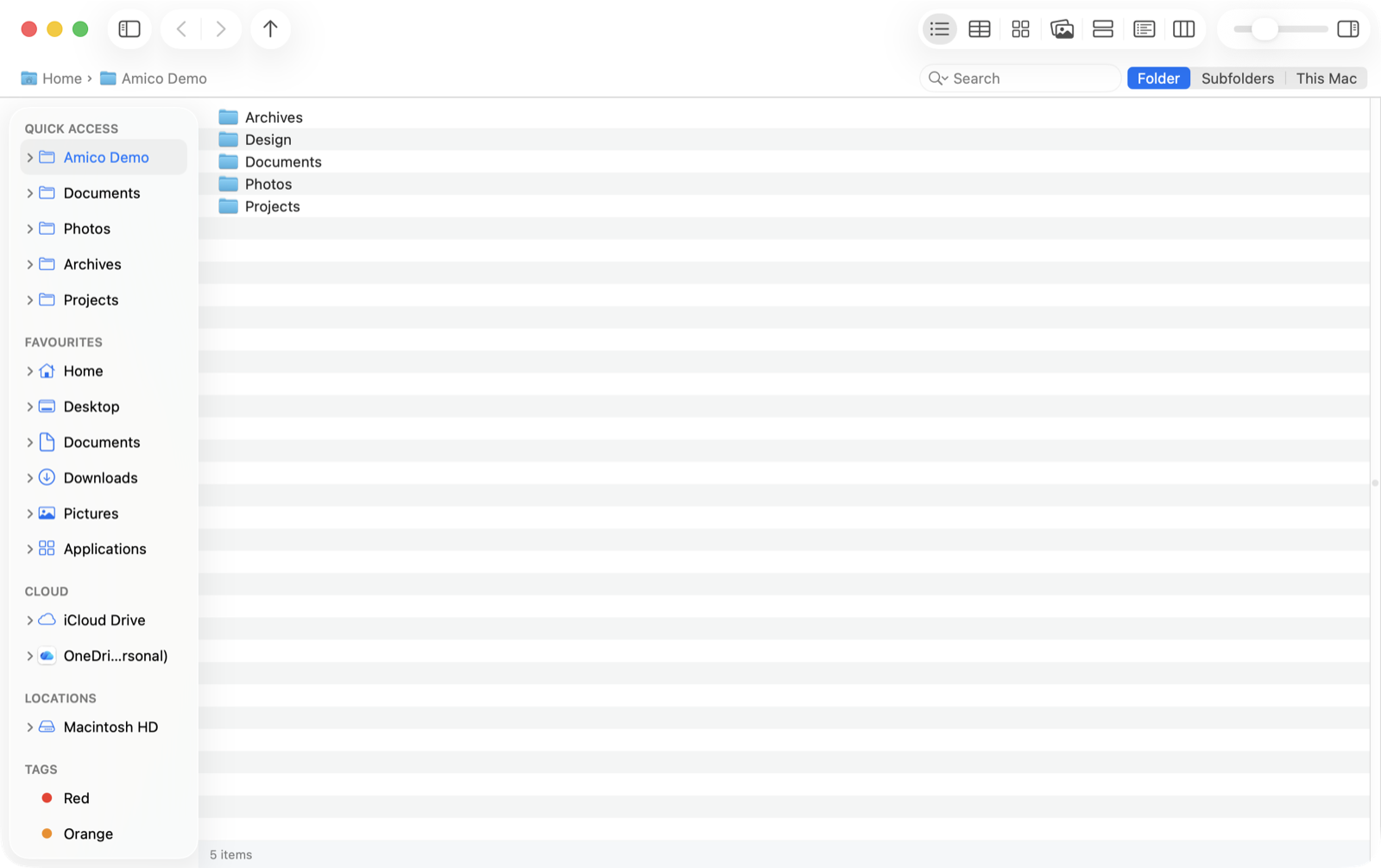
List, for when you just want the names.
Help that is generated from the app itself, so it cannot go stale.
Every view, both appearances, no separate theme to switch on.
Amico File Manager is coming soon to the Mac App Store for $1.99 — a one-time purchase, with no subscription and no in-app purchases. The App Store shows the price in your own currency. It runs on macOS 14 Sonoma and later, on both Apple silicon and Intel Macs.
Want to try it before it ships? Email support@amico.software and we will add you to the TestFlight beta.
It sits alongside it. Finder stays the system's file browser — the desktop, the Open and Save panels, AirDrop — and Amico is what you keep open when you are actually moving files around. Reveal in Finder is one keystroke away when you want the other one.
Because it is sandboxed for the Mac App Store, which means it starts with access to nothing outside its own storage. You point it at a folder once — your home folder is the usual answer — and it remembers. That is the same thing every sandboxed file manager has to do, and it is why the app can be distributed through the store at all.
No. Amico File Manager makes no network calls of its own. There is no account, no analytics, no advertising and no tracking, and nothing about your files leaves your Mac. See the Privacy Policy.
Not in this version. Browsing an archive is read-only: you can look, preview and copy files out, but not rename, delete or paste into one. Writing into a zip means rewriting the whole archive and having a safe answer for undo, and we would rather not ship it until that answer is a good one.
Yes — mounted SMB and AFP shares, external disks and USB drives all appear in the sidebar, and This Mac (⇧⌘C) lists every drive with a bar showing how full it is, as Windows’ This PC does. Connect to Server is on ⌘K and Eject on ⌘E. A copy across volumes is a real copy with progress and a cancel button; a copy on the same disk is an APFS clone and finishes instantly.
They are shown normally, thumbnails and all, without being downloaded. Copying one needs the actual bytes, so that is the moment the app stops and tells you how much it is about to pull down — before it does it, not after.
There is a guide built into the app under Help, and our Support page or support@amico.software for anything it does not answer.